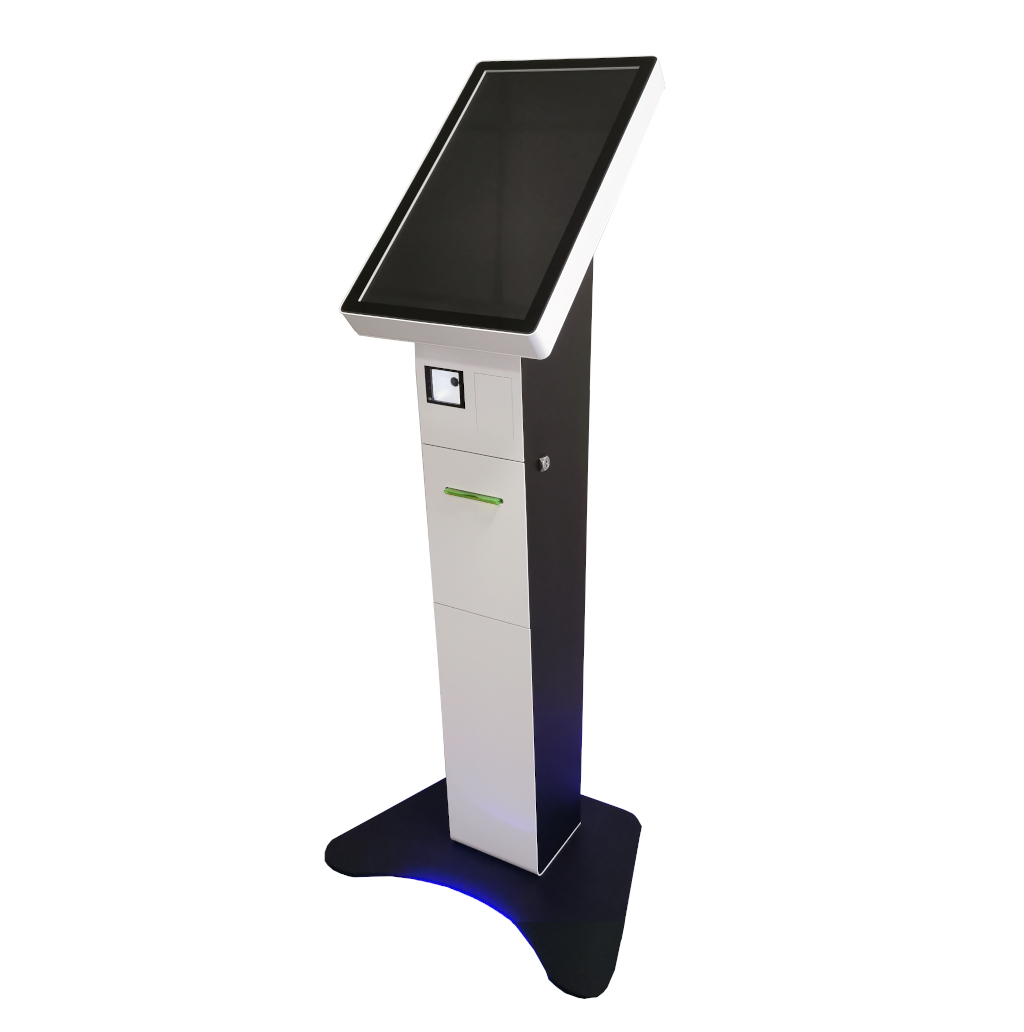
Queue management terminal
A compact floor-standing model for choosing a service and printing tickets in offices and branches.
Terminals
Guaranteed increase in speed of service
Leave a request for cost calculation and consultation.
Nordera software at the core
Nordera's product is electronic queue management software. We supply, configure, and implement it around your processes, while helping select terminals, displays, and peripherals as part of the complete solution.
We find an enclosure and screen size that fit the interior and usage scenario.
We select models that can be adapted to your corporate identity.
We consider services, visitor traffic, and user-interface requirements.
We account for workload, available space, and installation-site specifics.
We verify that terminals and peripherals work correctly with our solution.
We plan for printers, scanners, readers, and other peripherals.
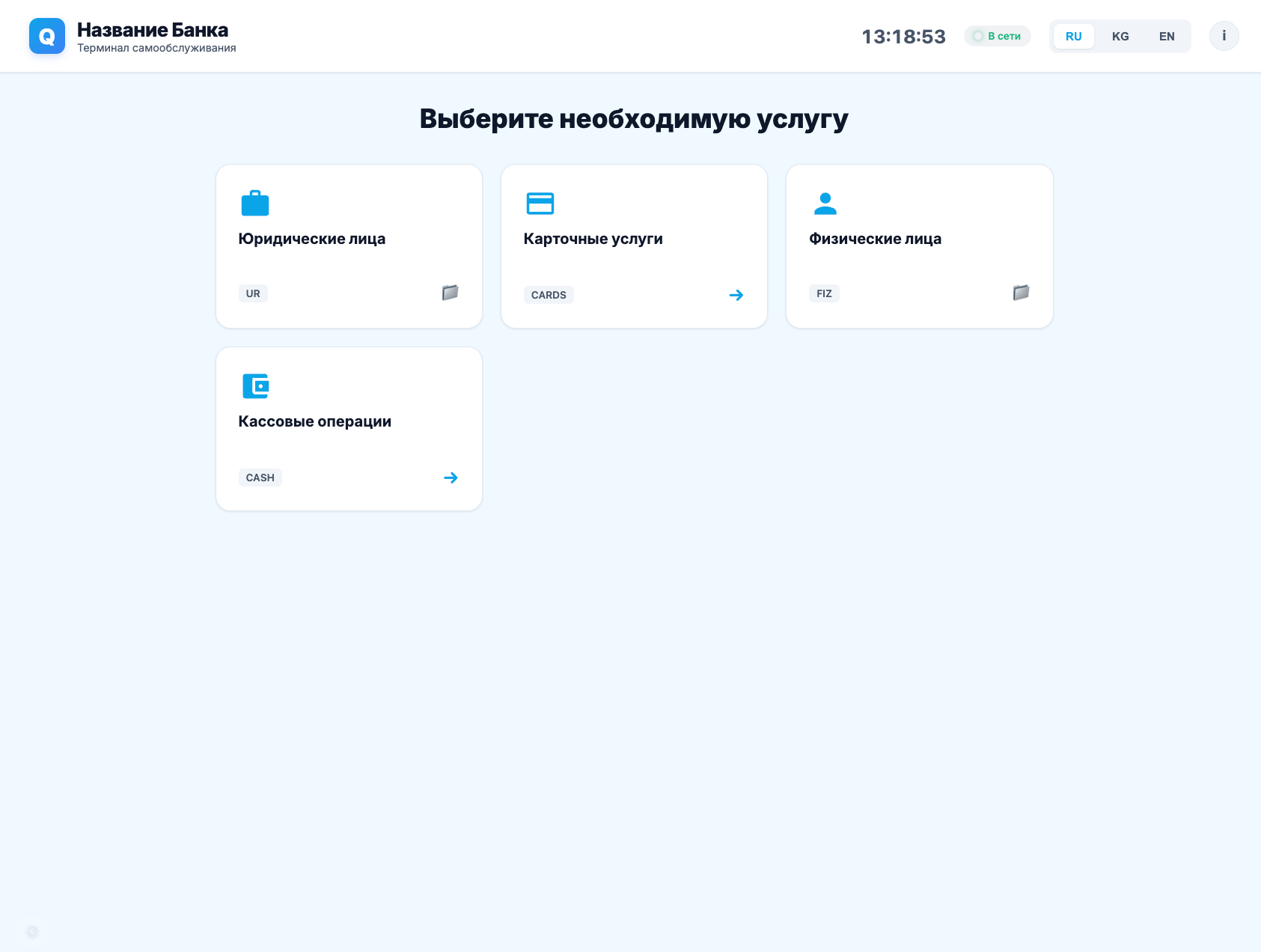
Client selection device.
Ticket calling
One queue-display module with several layouts for different screen sizes, room formats, and optional information content.
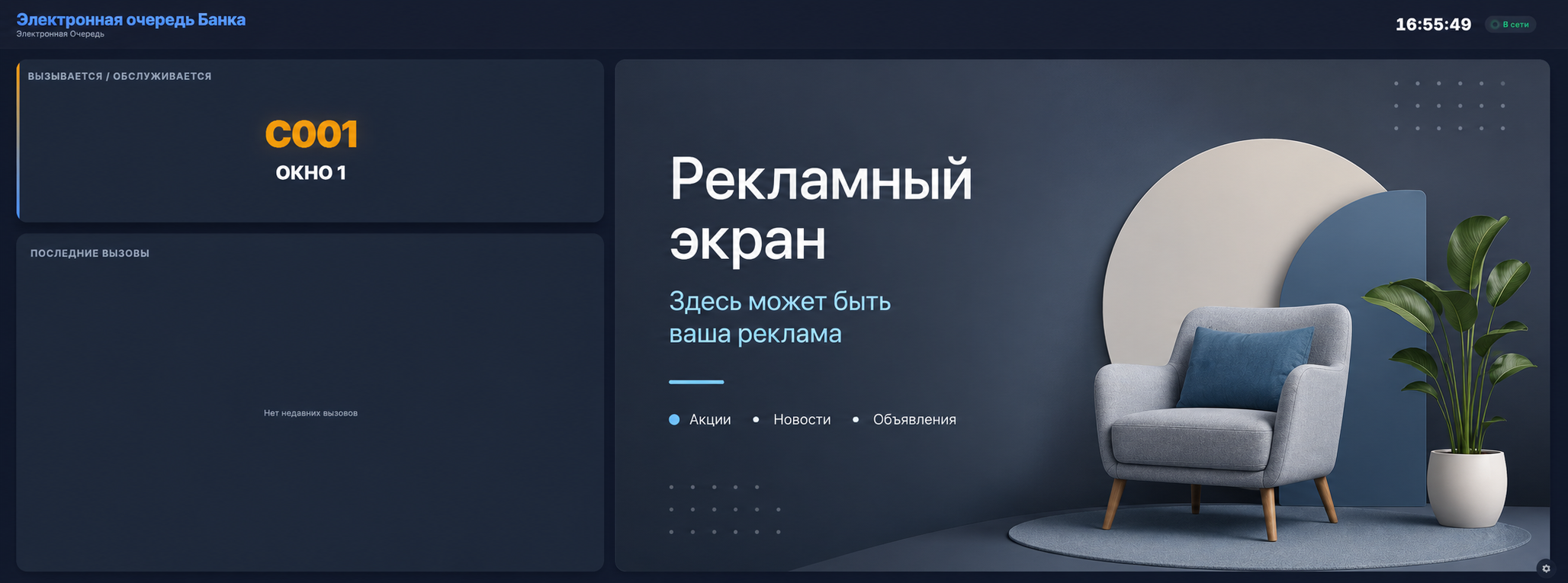
Shows current and recent calls, while part of the screen can display news, weather forecasts, or advertising videos.
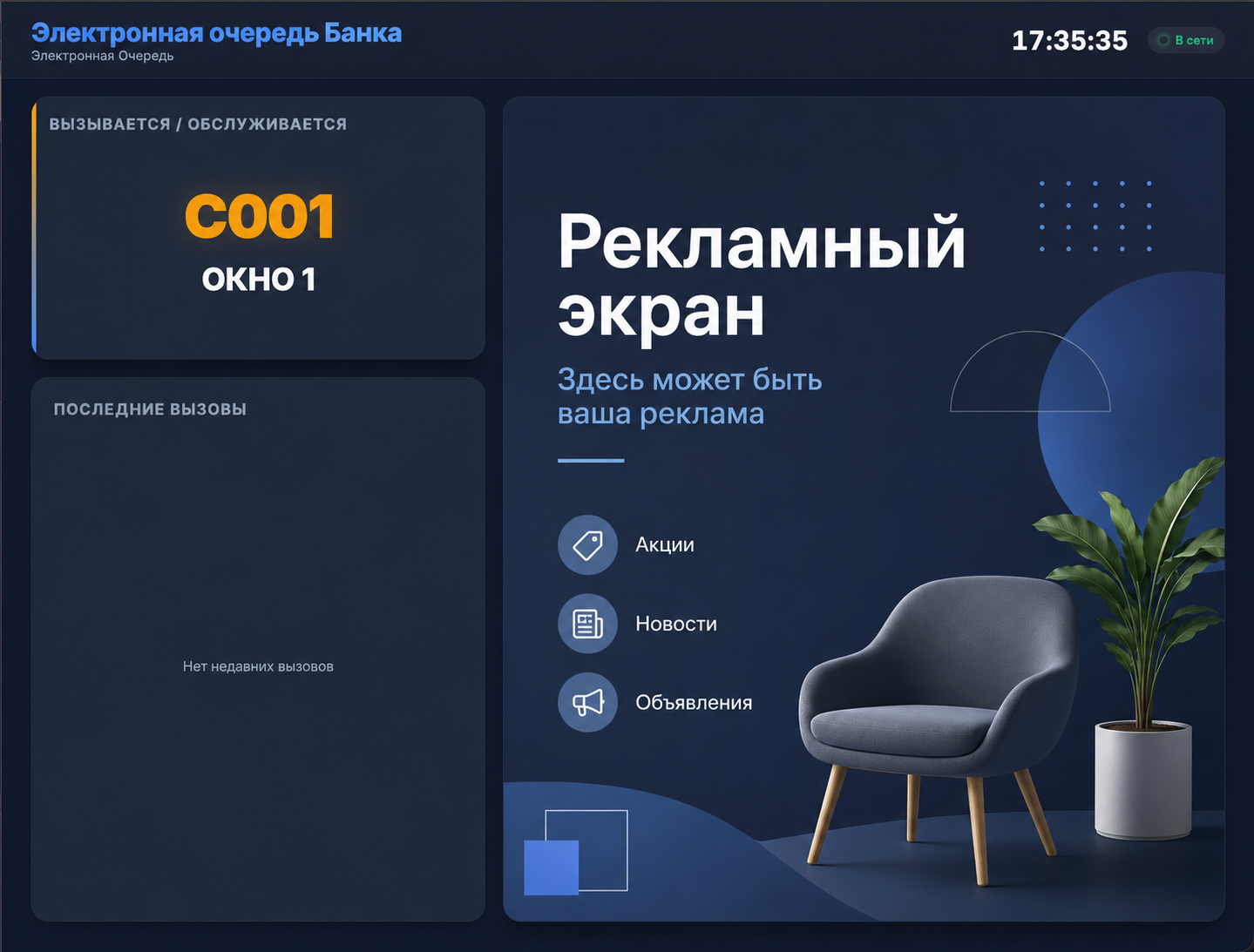
Vertical layout
The same ticket-calling system in a vertical layout for portrait screens, narrow waiting areas, and high-traffic spaces.
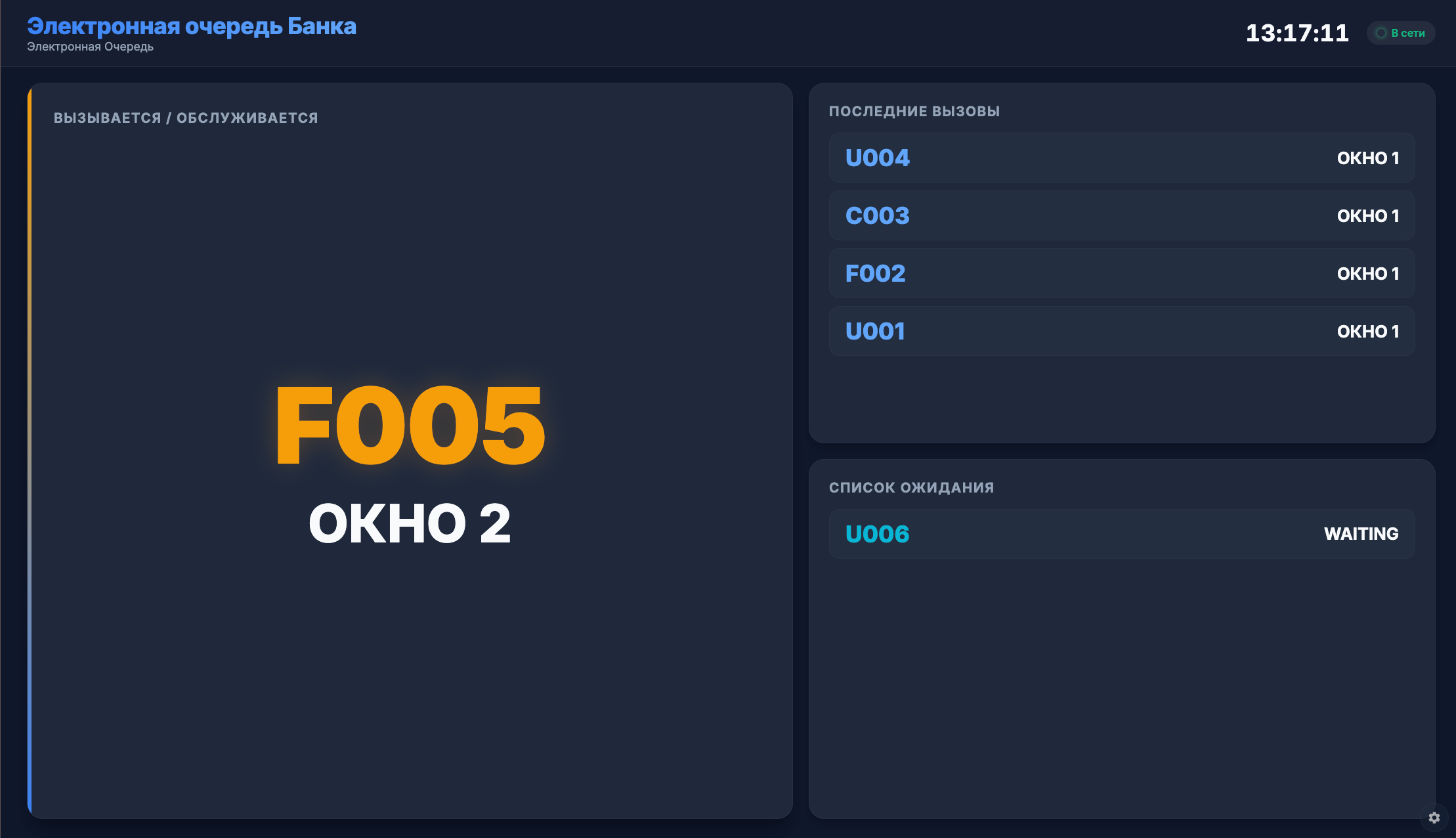
No advertising section
The entire screen is dedicated to the queue, showing the active call, recent calls, and the waiting list at a readable size.
Equipment selection
We configure the enclosure, display, and peripherals for your workflow — from basic ticket issuing to payments and full self-service.
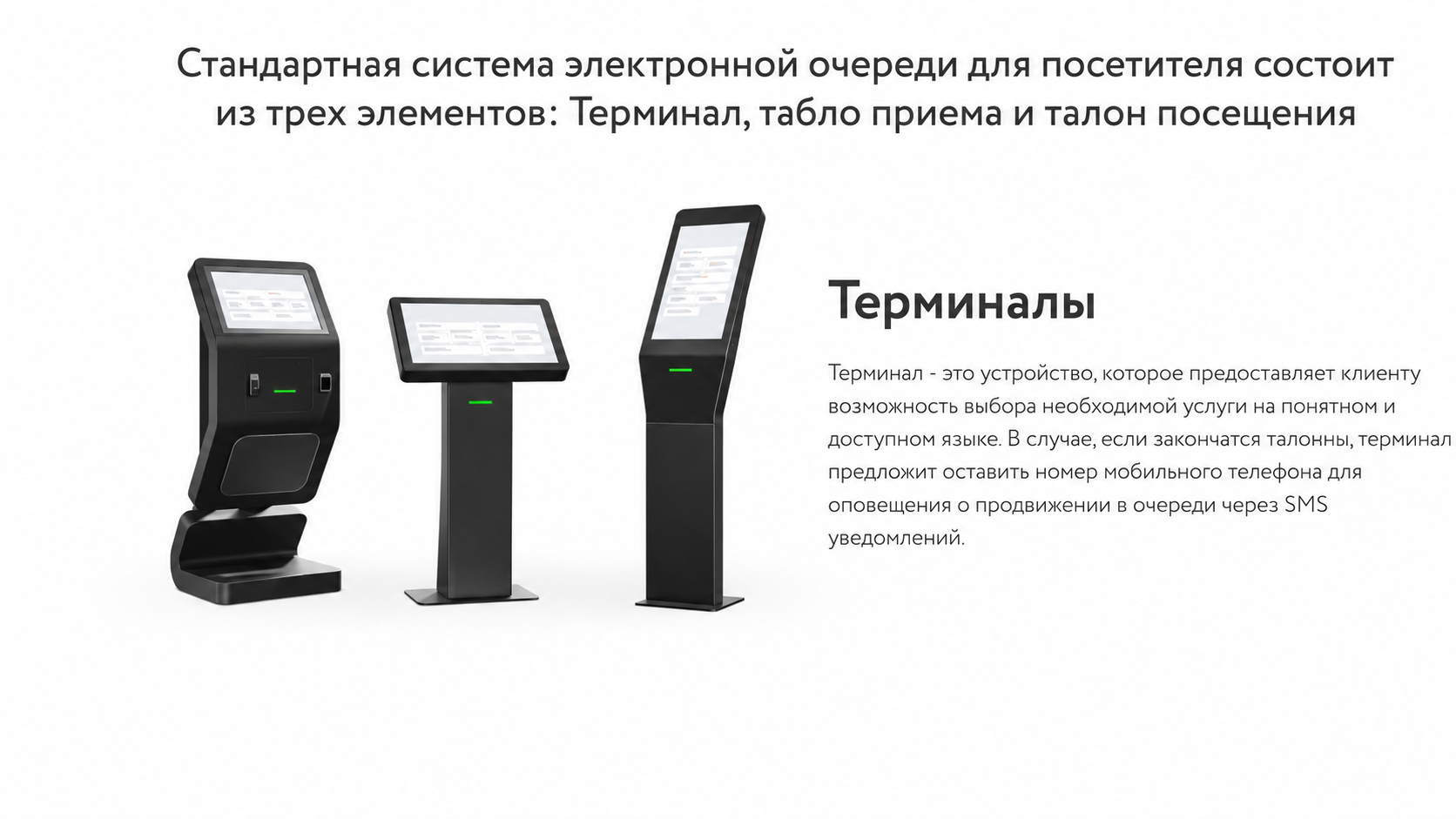
A compact floor-standing model for choosing a service and printing tickets in offices and branches.
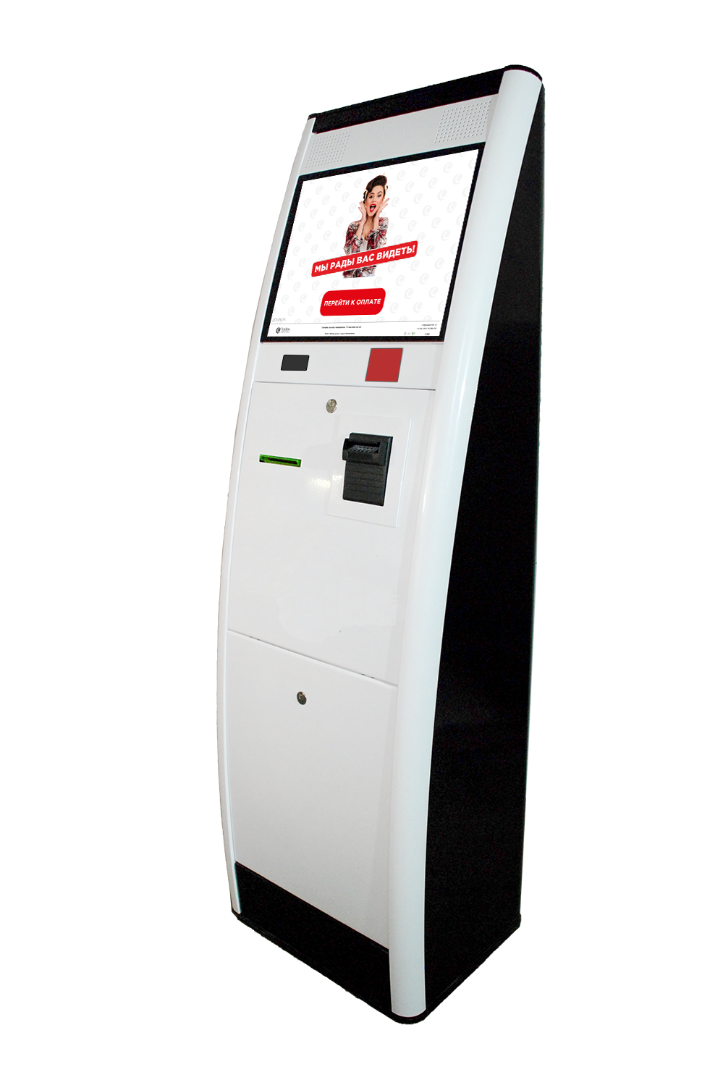
A model with a printer and payment peripherals for independent service registration and payment.
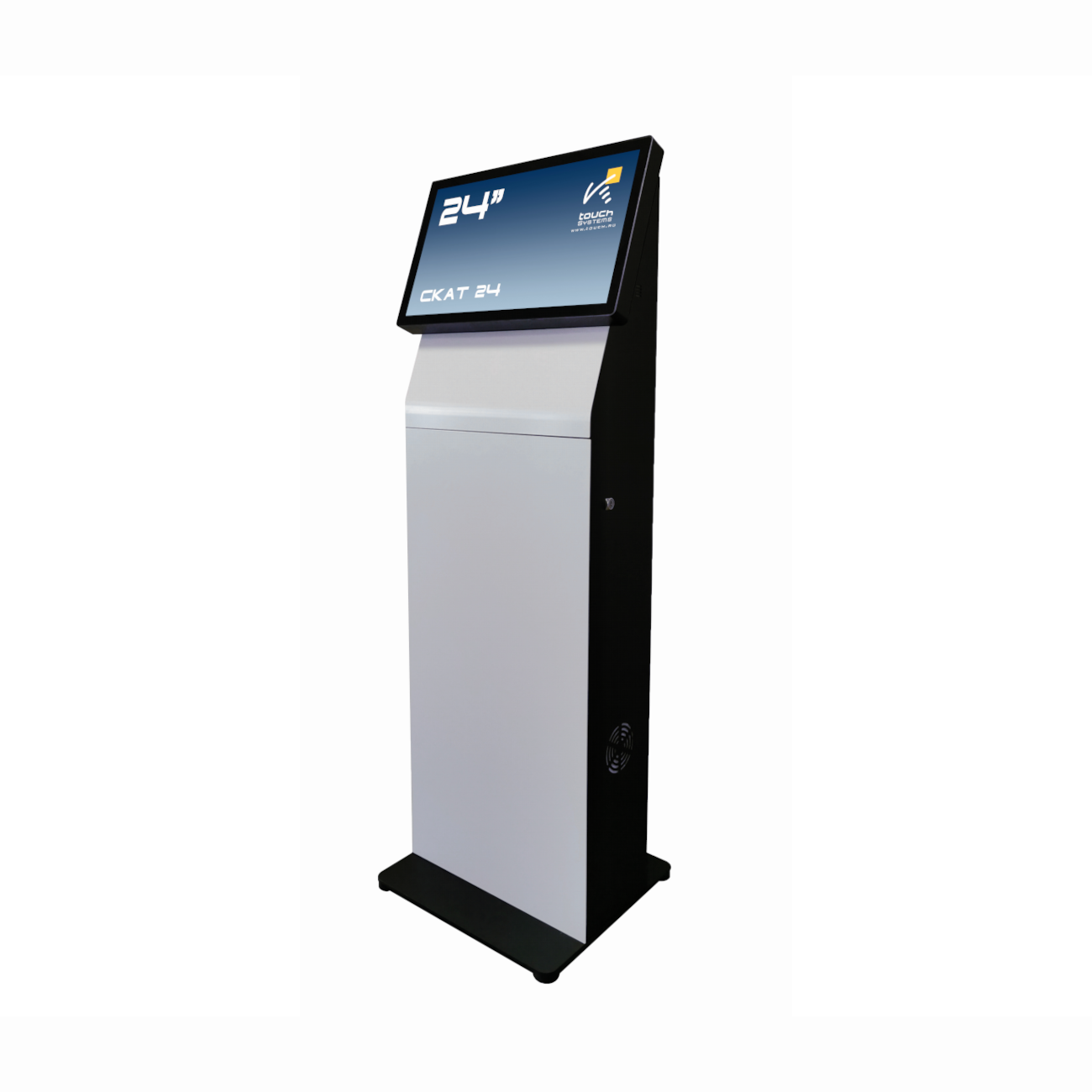
A streamlined model for navigation, reference information, and digital services without ticket printing.
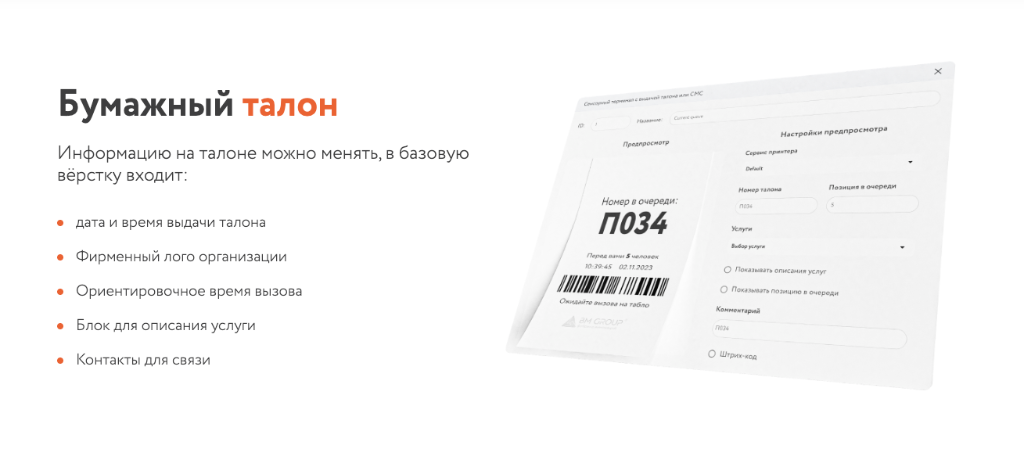
Ticket info can be customized, basic layout includes:
Nordera software suite
More than ticket issuing: the software connects workstations, administration, analytics, and information displays in one system.
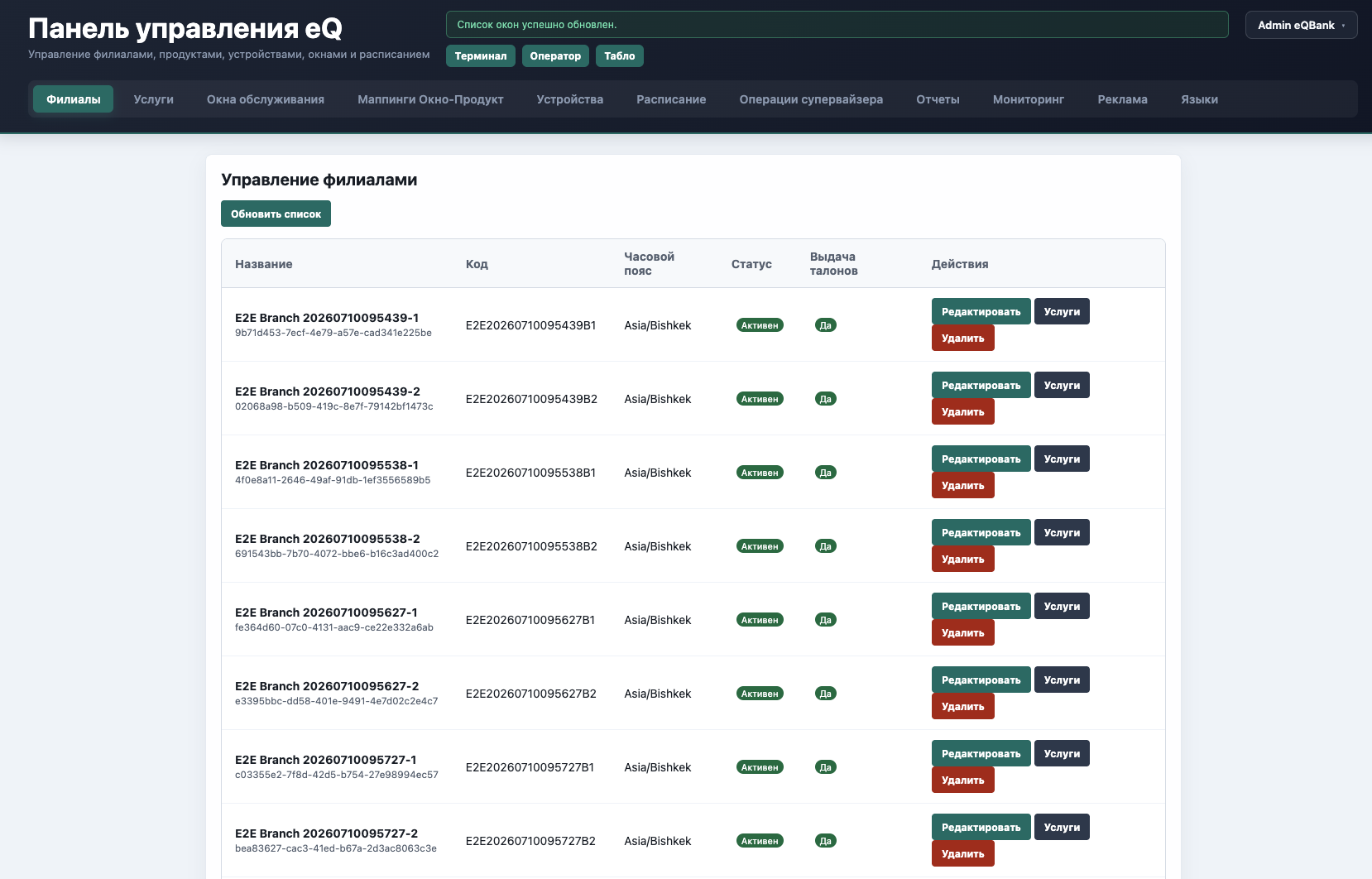
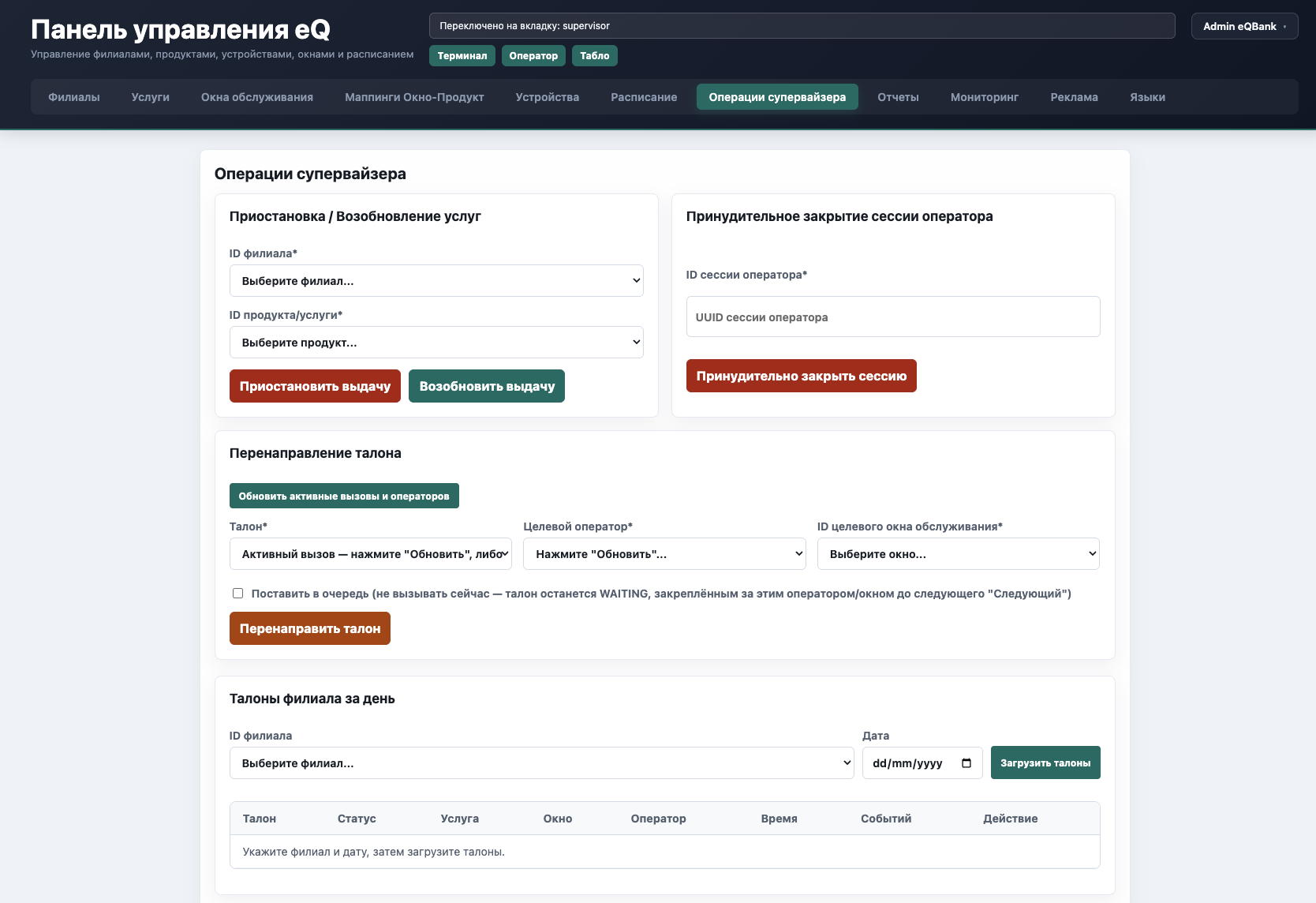
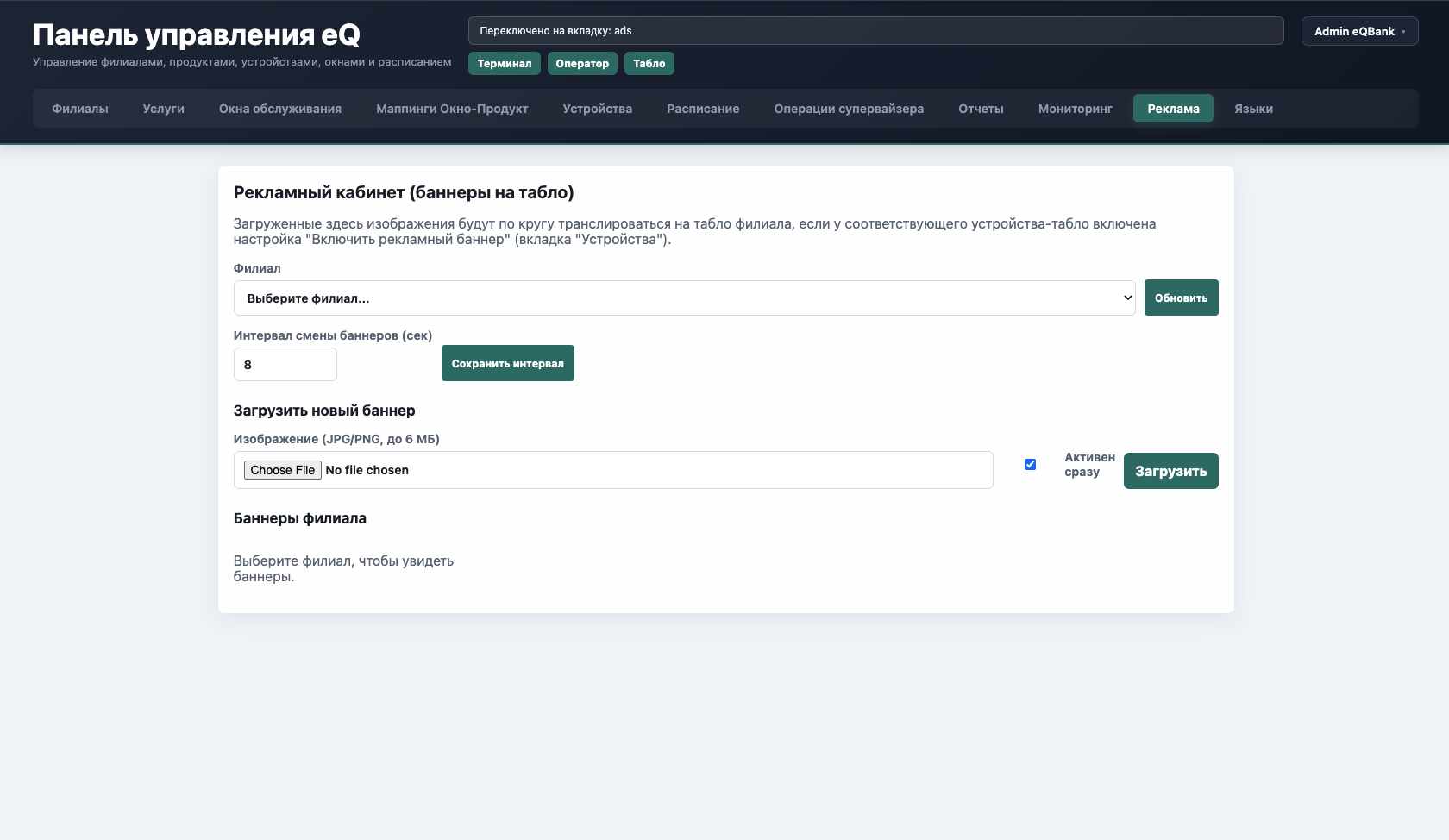
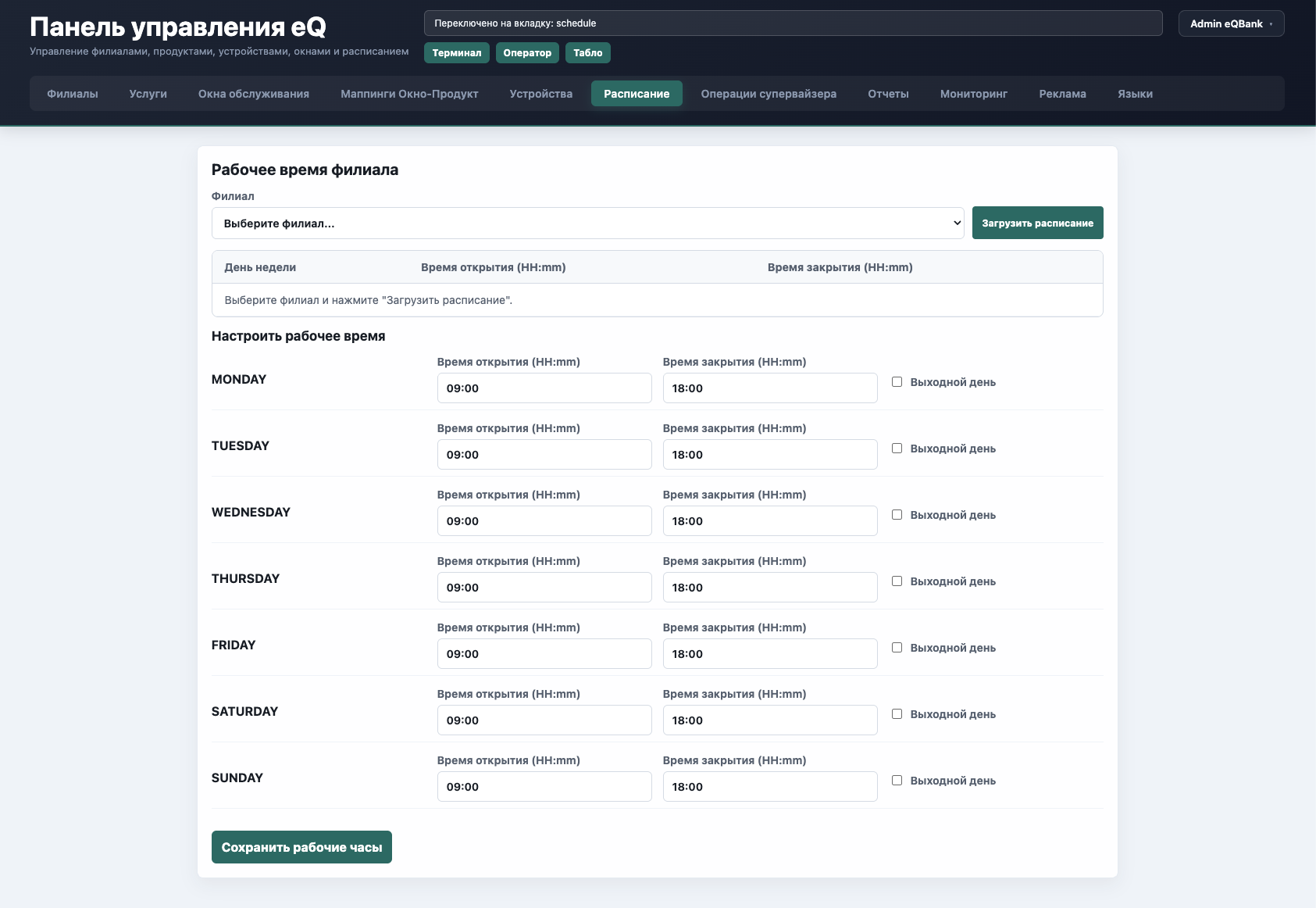
The administrator manages:
Access levels and permissions can be configured individually for every employee.
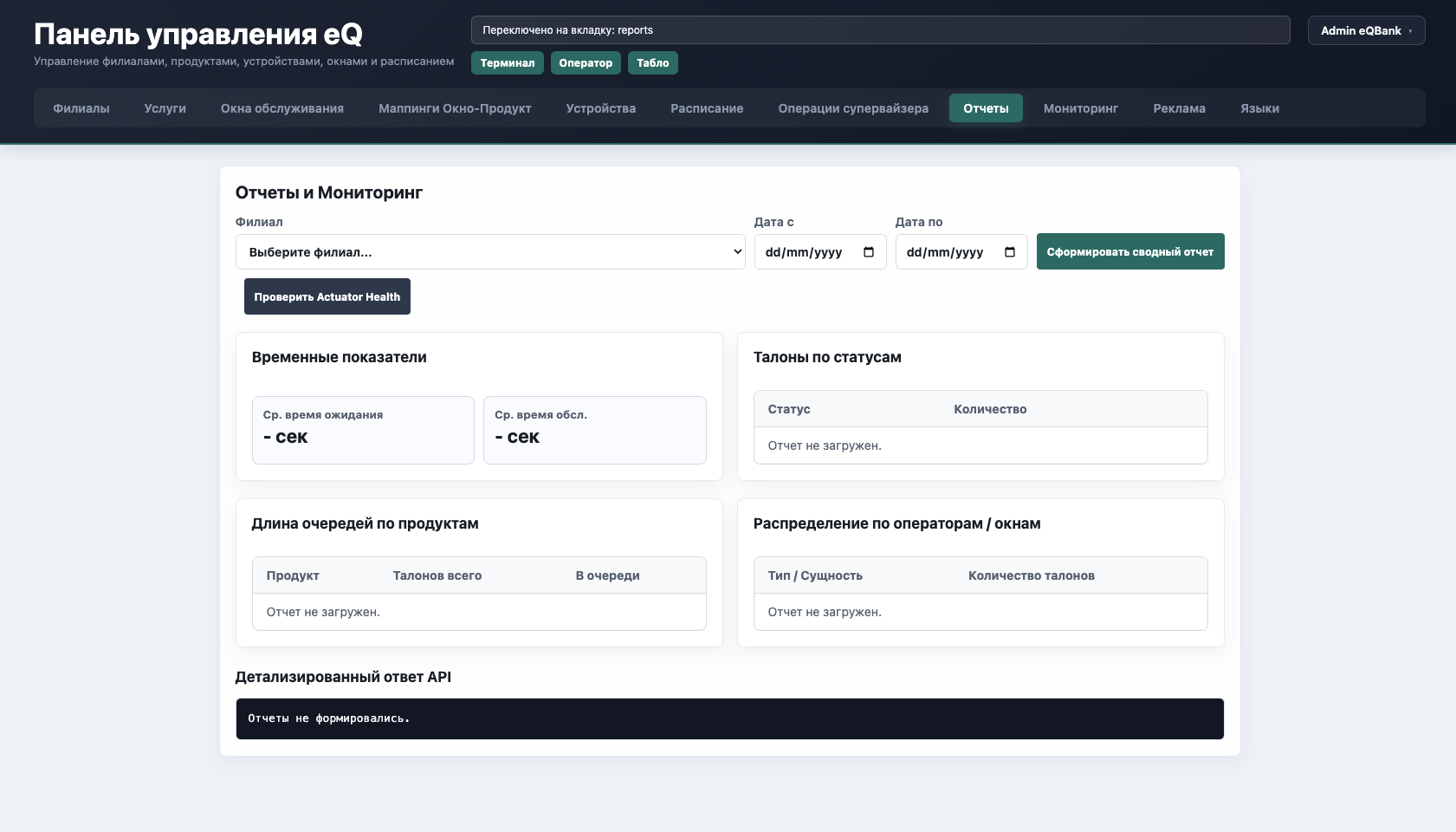
All information is available online
The system collects metrics automatically and can send data through an API to corporate applications.
Reports can be viewed in real time or exported to Excel.
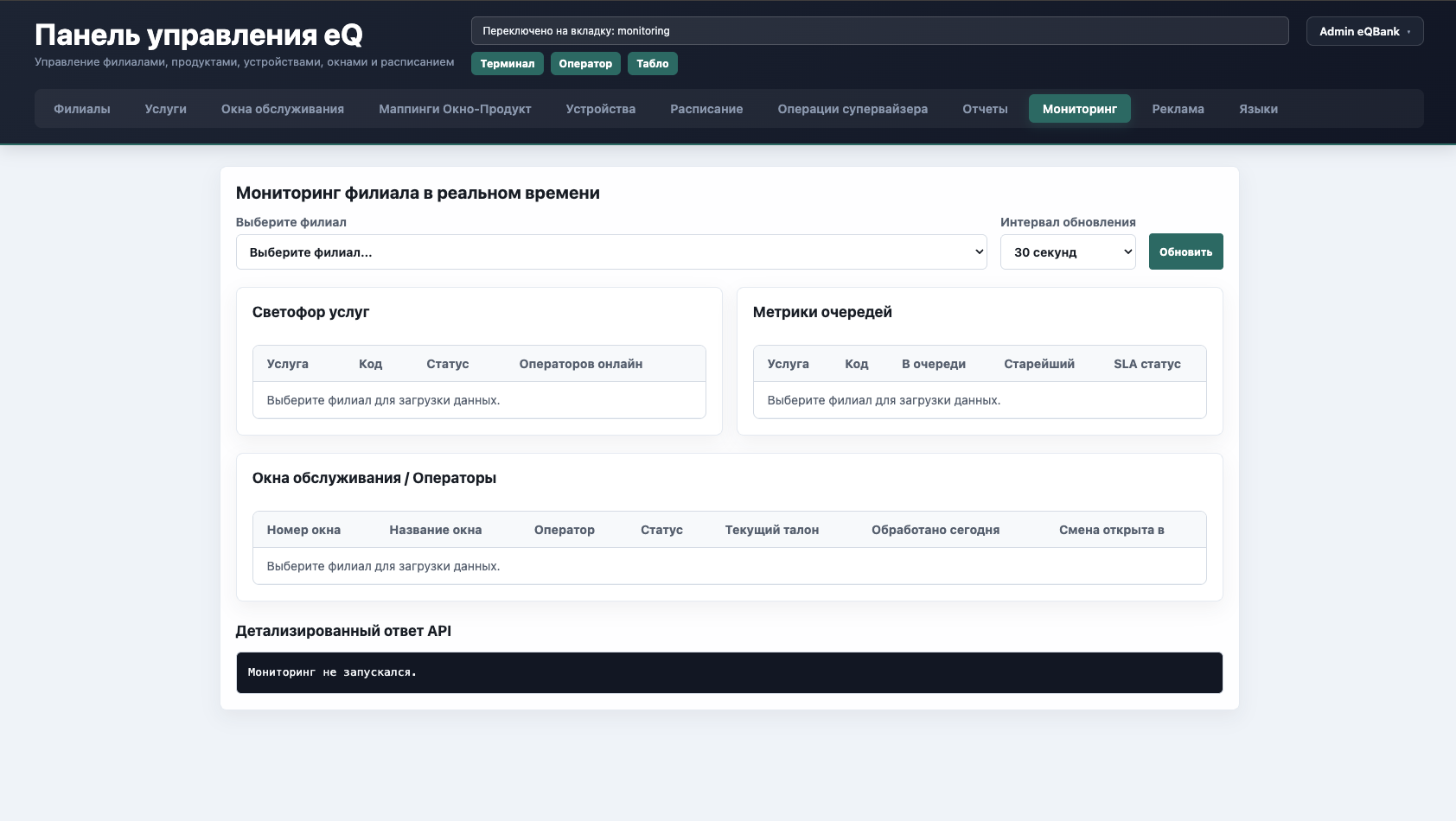
Digital service-quality control
Personnel data helps set KPIs, monitor service quality, and identify opportunities to improve the customer experience.
Customer service
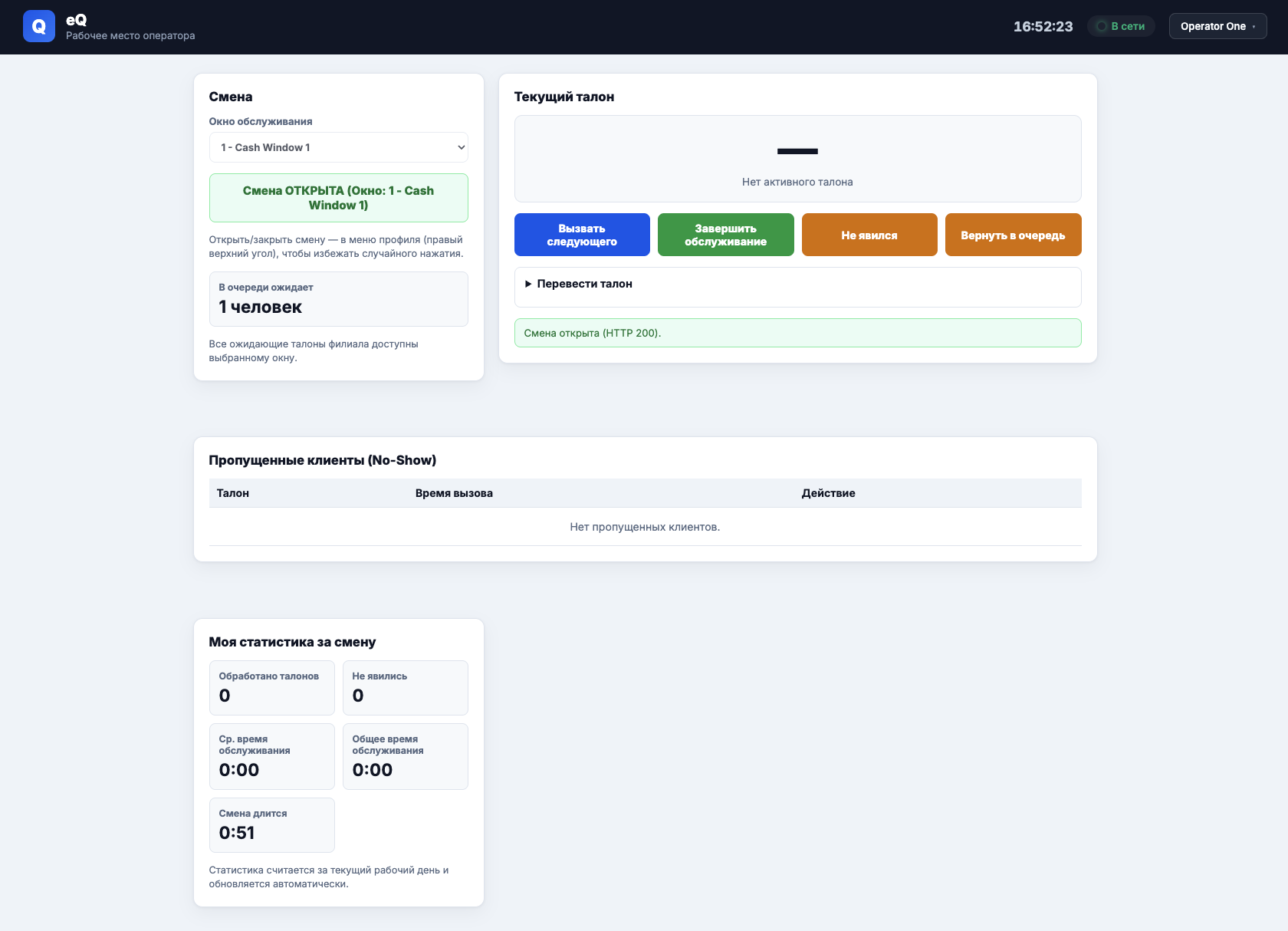
Employees have all the essential actions needed to serve visitors:
Employees can see the current workload and their personal shift statistics.
More capabilities
Licensing: monthly rent. Price discussed individually.